Users
Manage people who can sign in to your Rune workspace.
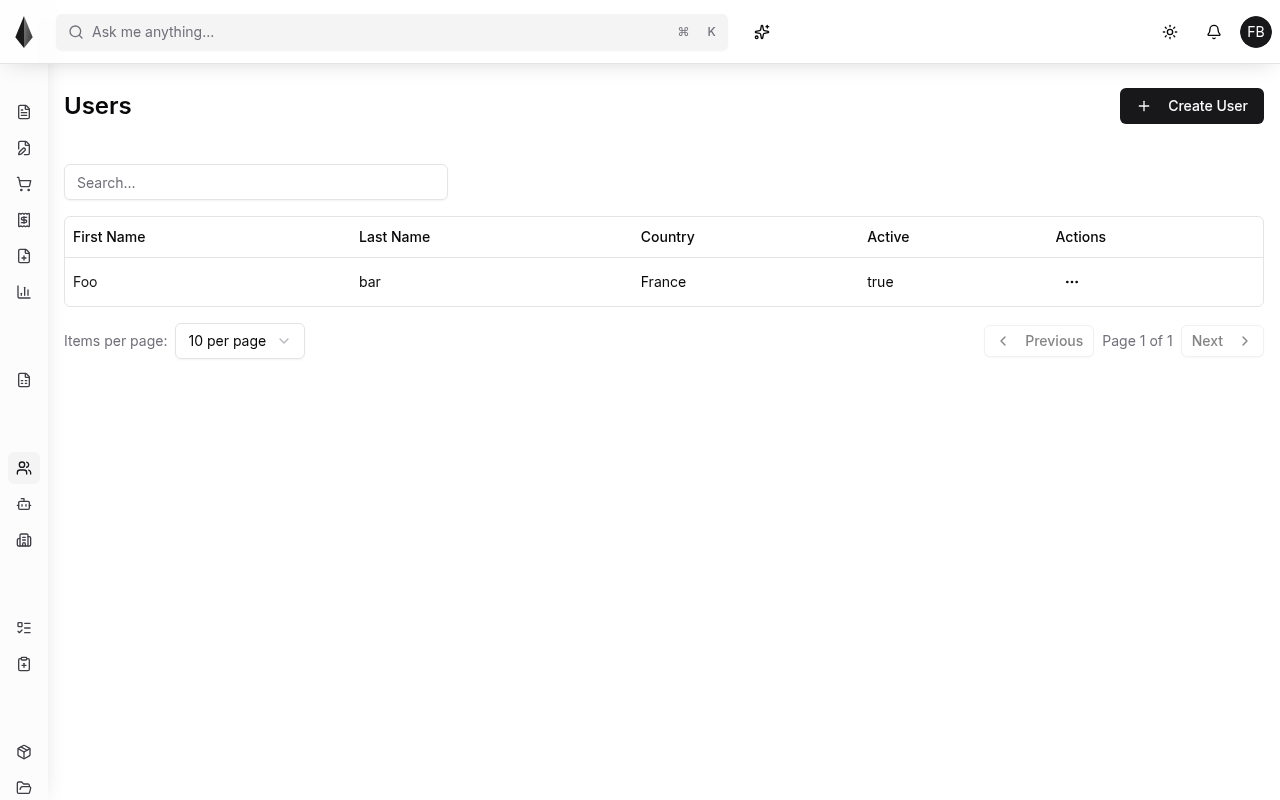
Create a user
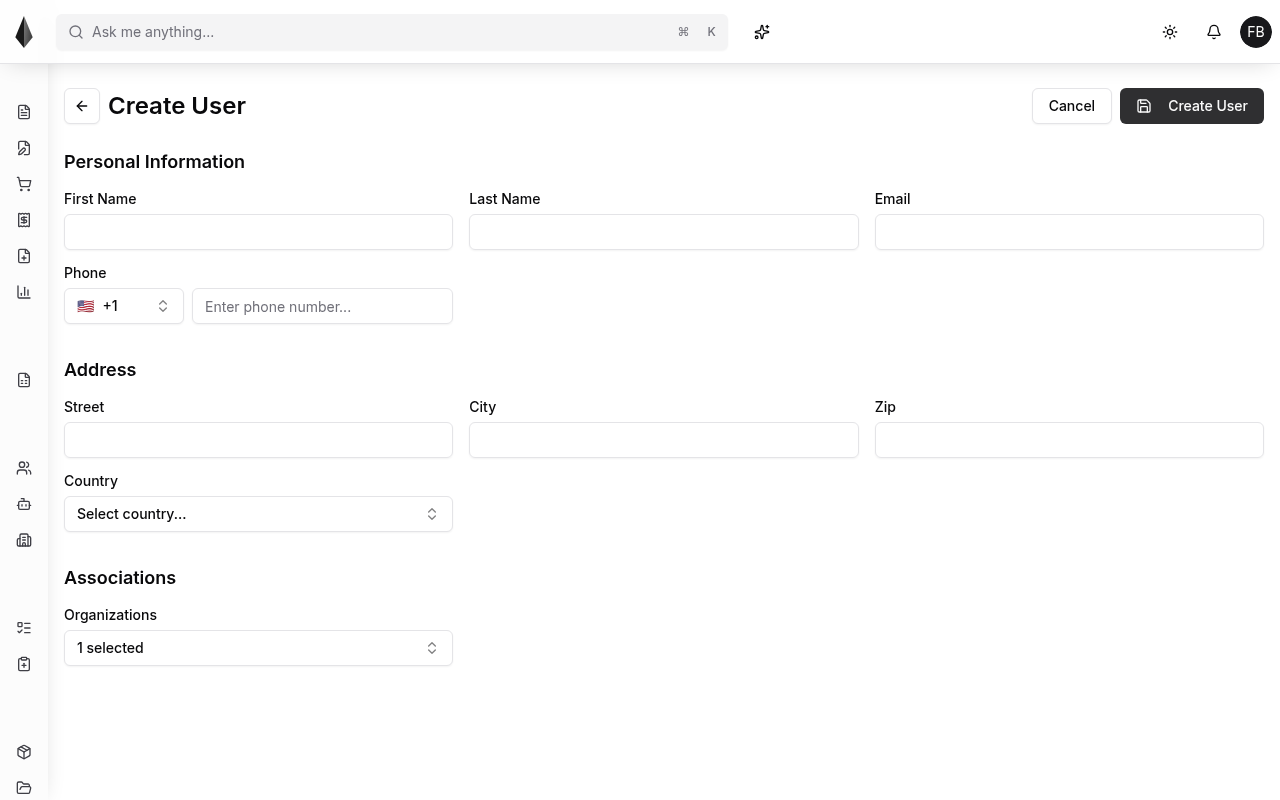
To invite someone, create a user with at least:
- First name
- Last name
- Organization
They appear in the users list and receive an invitation email to finish setup ([First login](../1.Getting started/2.first-login.md)).
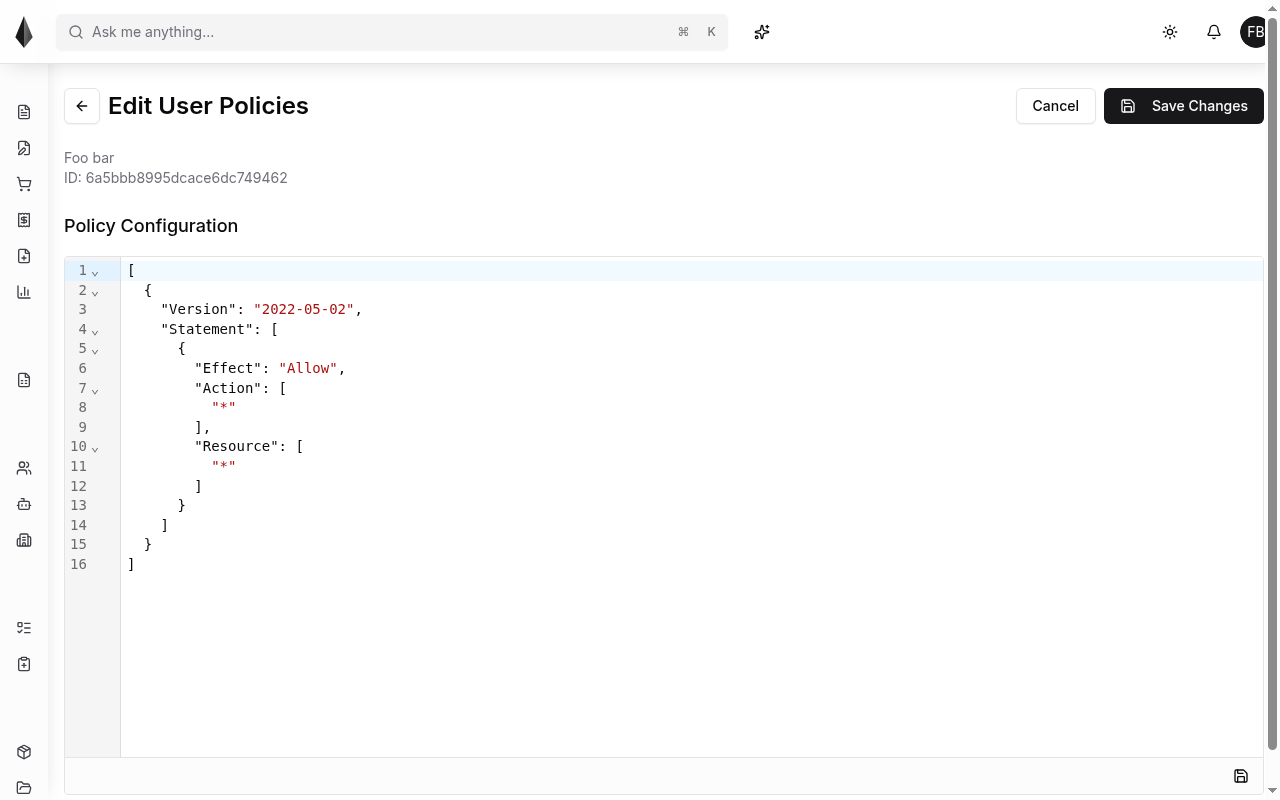
Permissions
After creation, grant permissions so the user can only reach the parts of Rune they need. Permissions are tied to [Policies](../4.Rules and policies/2.policies.md).
Manage existing users
From the users list you can edit profile fields and permissions. Organization owners can also block or delete a user.
Prefer block over delete
Blocking keeps history and activity; deleting permanently removes the user record.